
At Studio TSM, we design functional yet playful digital tools for modern small businesses. Our systems are built to streamline your process, strengthen your brand and help you show up online with ease and clarity. We focus on clean, intuitive design that feels good to use, while gently sidestepping the generic.

Shop Squarespace Website Templates ↓
-
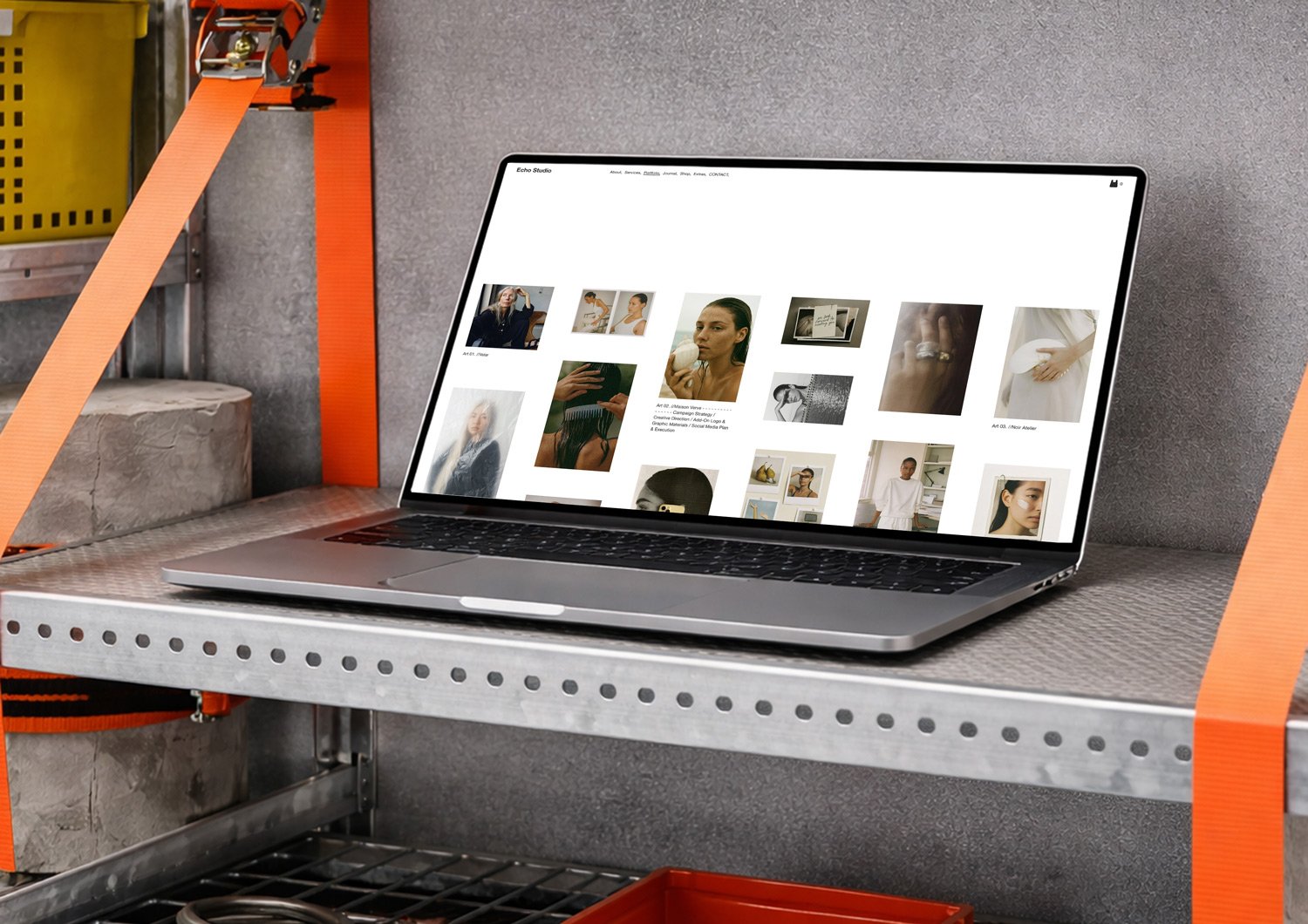
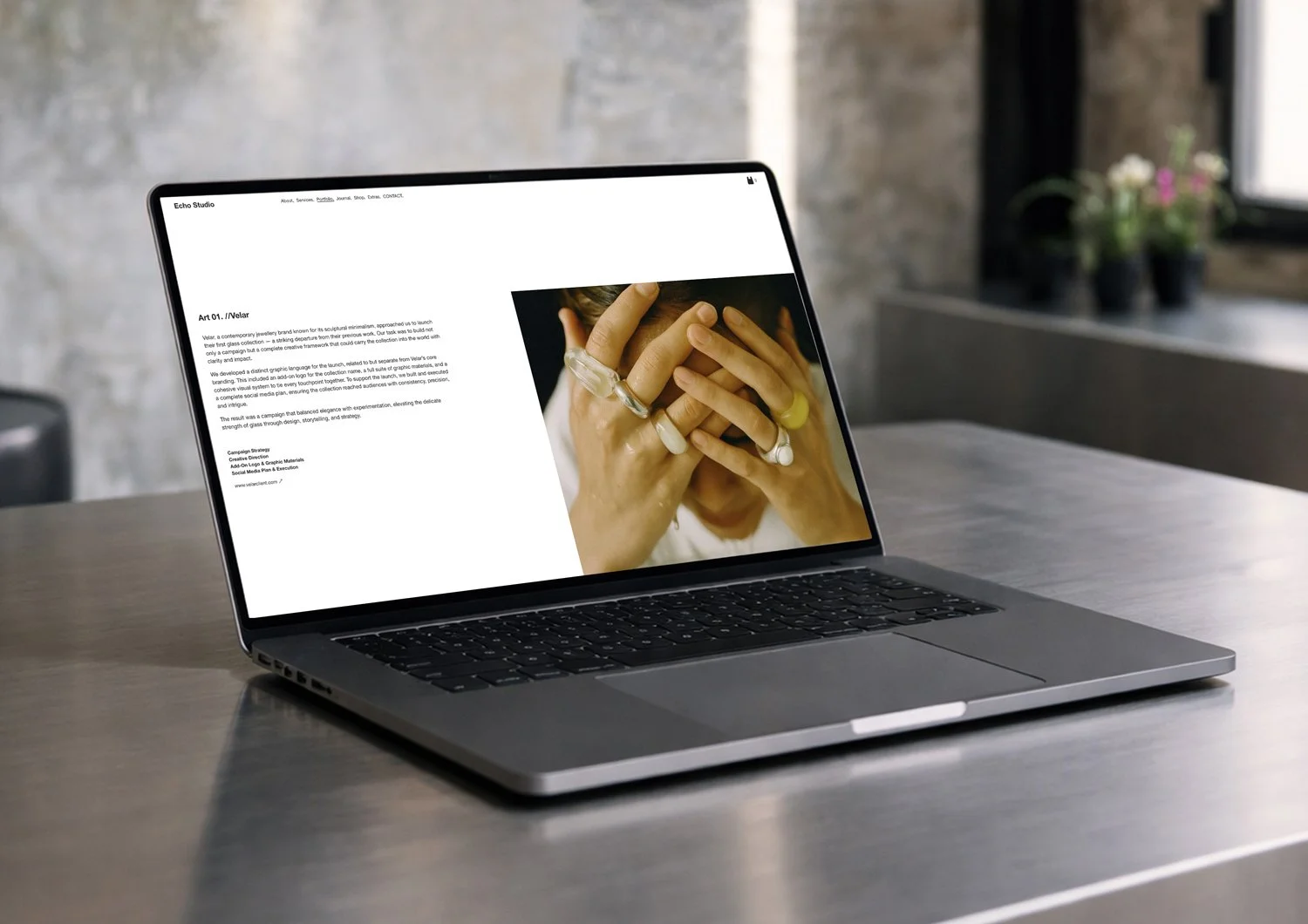
![Screengrab of the Squarespace Website Template 'Echo Studio,' featuring a horizontal row of six images of models and products, followed by text describing the studio's approach.]()
Echo Studio
Our methodology combines creative intuition with data-driven insights, delivering campaigns that are both beautiful and effective. We capture the essence of your brand and present it in ways that resonate with your ideal audience.
-
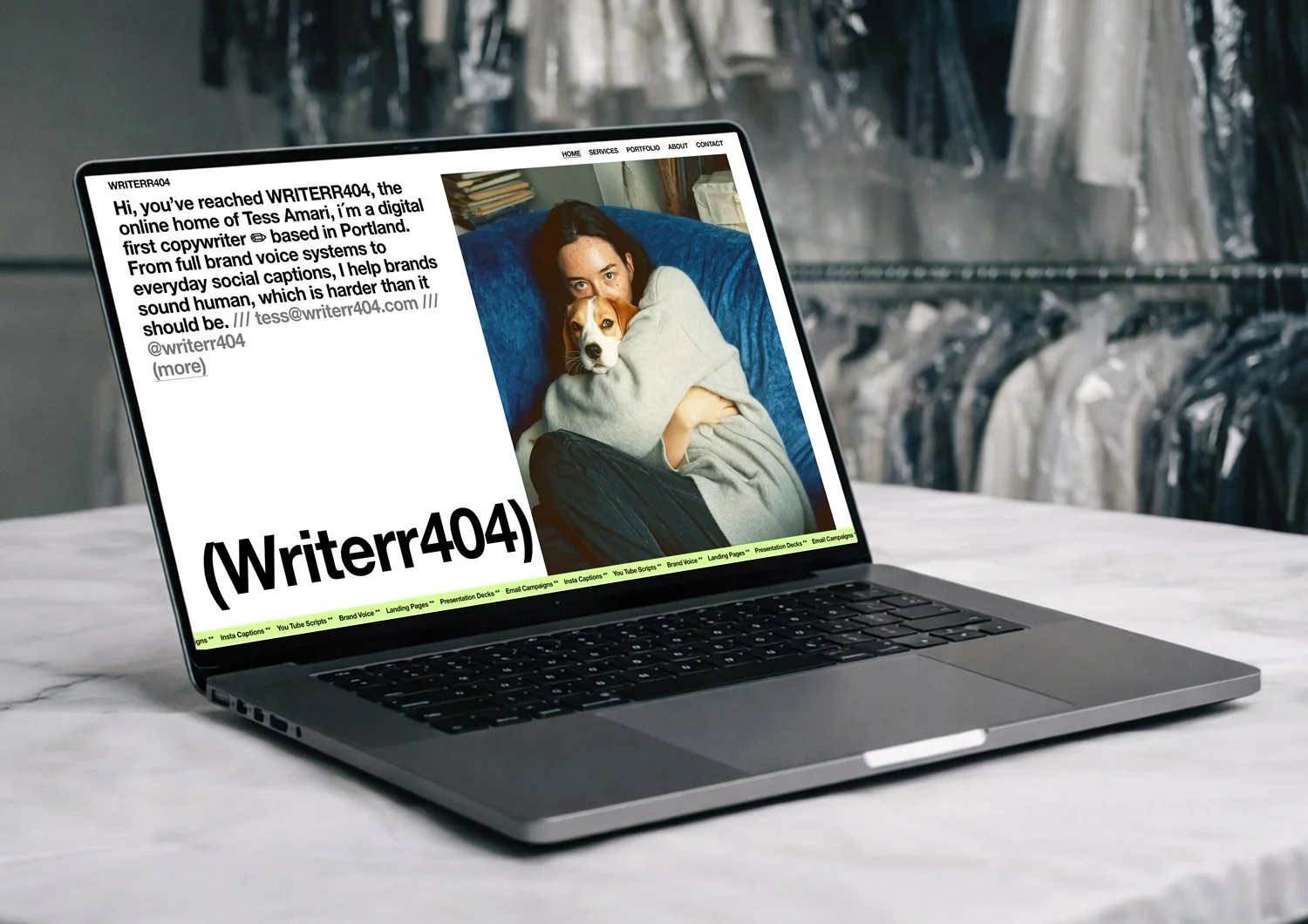
![A webpage for WriterR404, featuring a woman with dark hair in a beige sweatshirt and blue Adidas pants, along with various work examples and articles about writing and wellness.]()
Writerr404
Founded on the principle that every brand deserves a distinct voice, we work as an extension of your team—transforming your vision into a cohesive market presence that stands apart in today's crowded landscape.
-
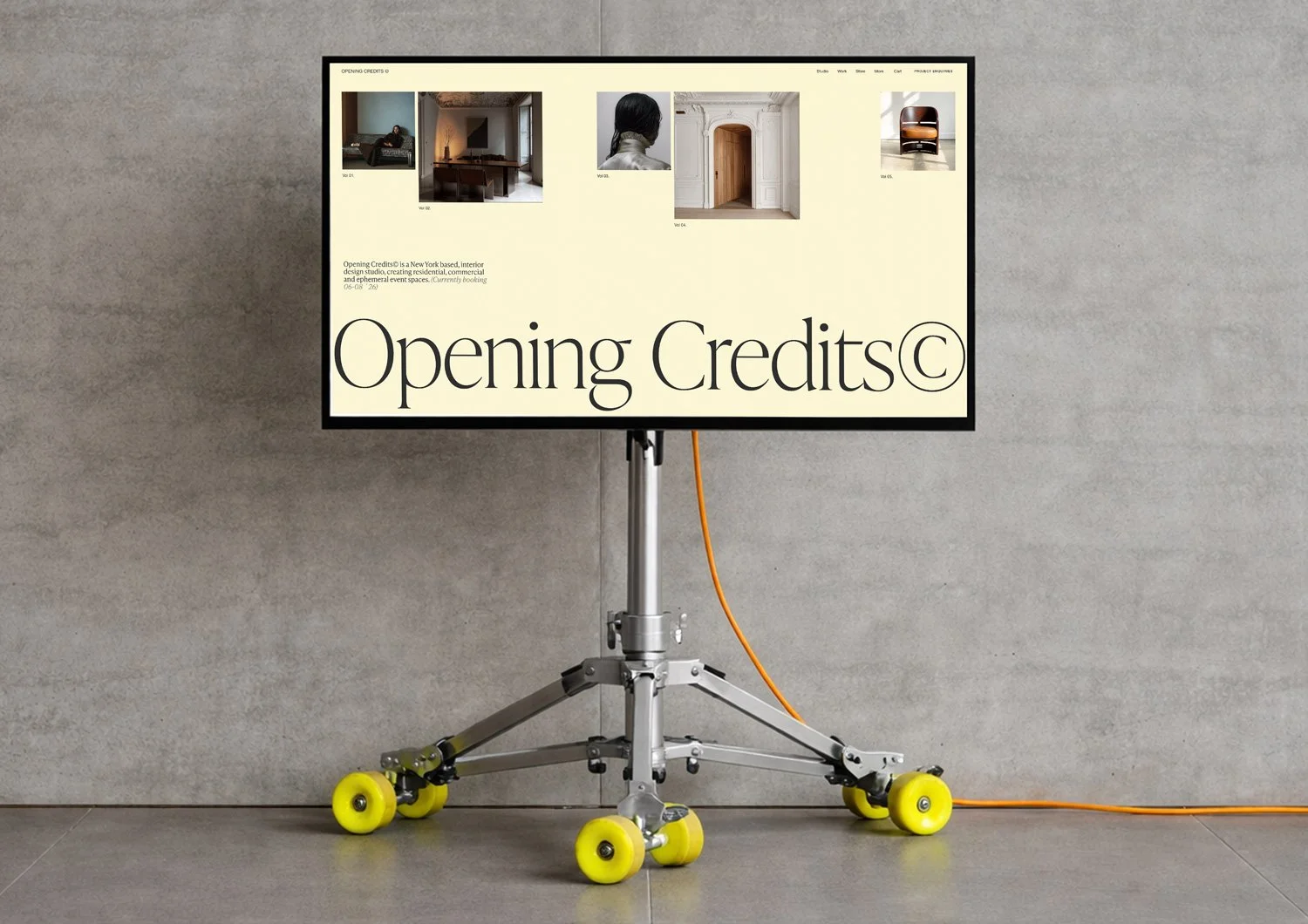
![Interior design studio webpage with text, photo of a chair, and layout sections on pink background.]()
Opening Credits ©
We are storytellers and strategists, crafting visual narratives that inspire connection. At Montage, we believe that exceptional marketing lives at the intersection of art and analytics.
-
![]()
K.Arden & Vale
Description goes here
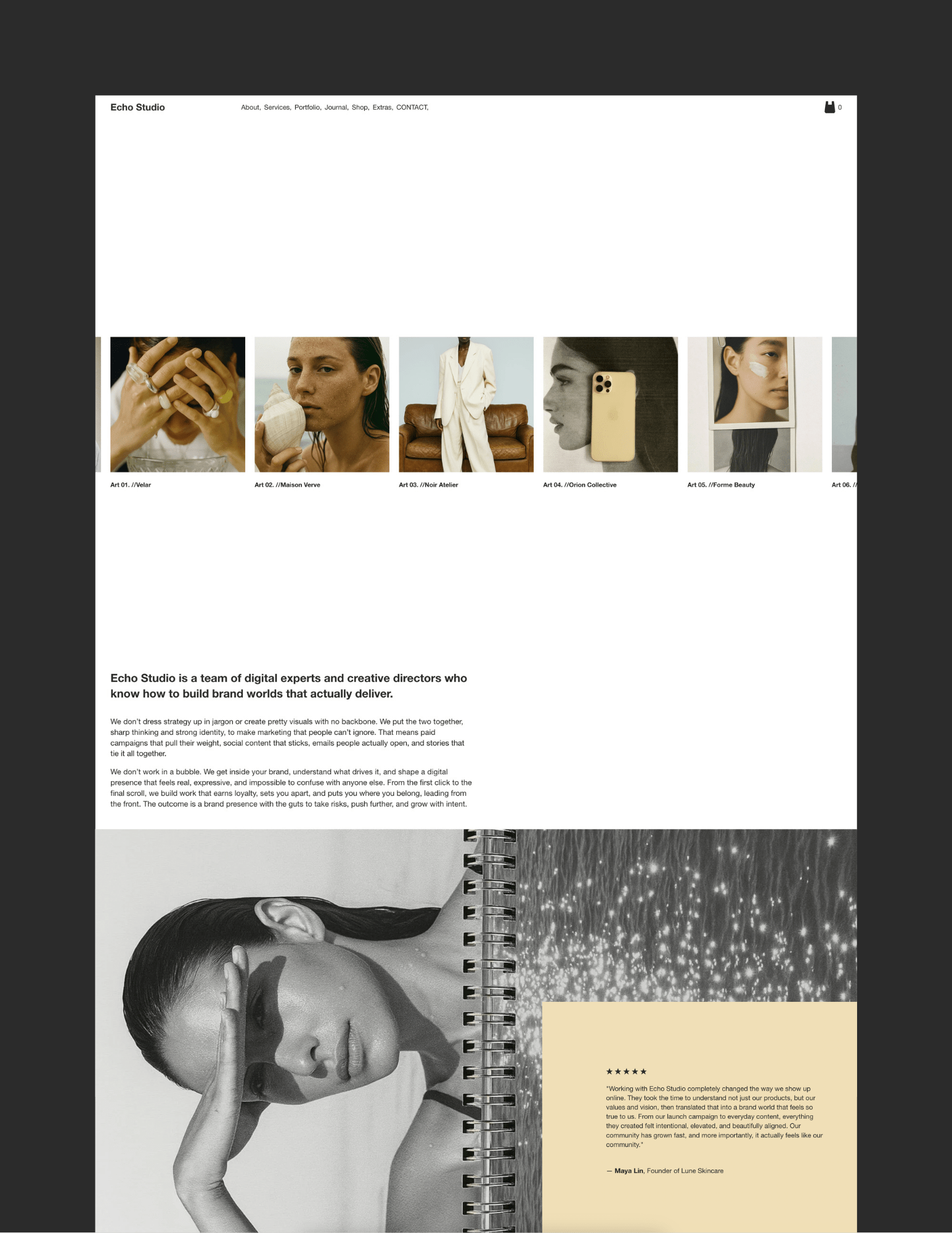
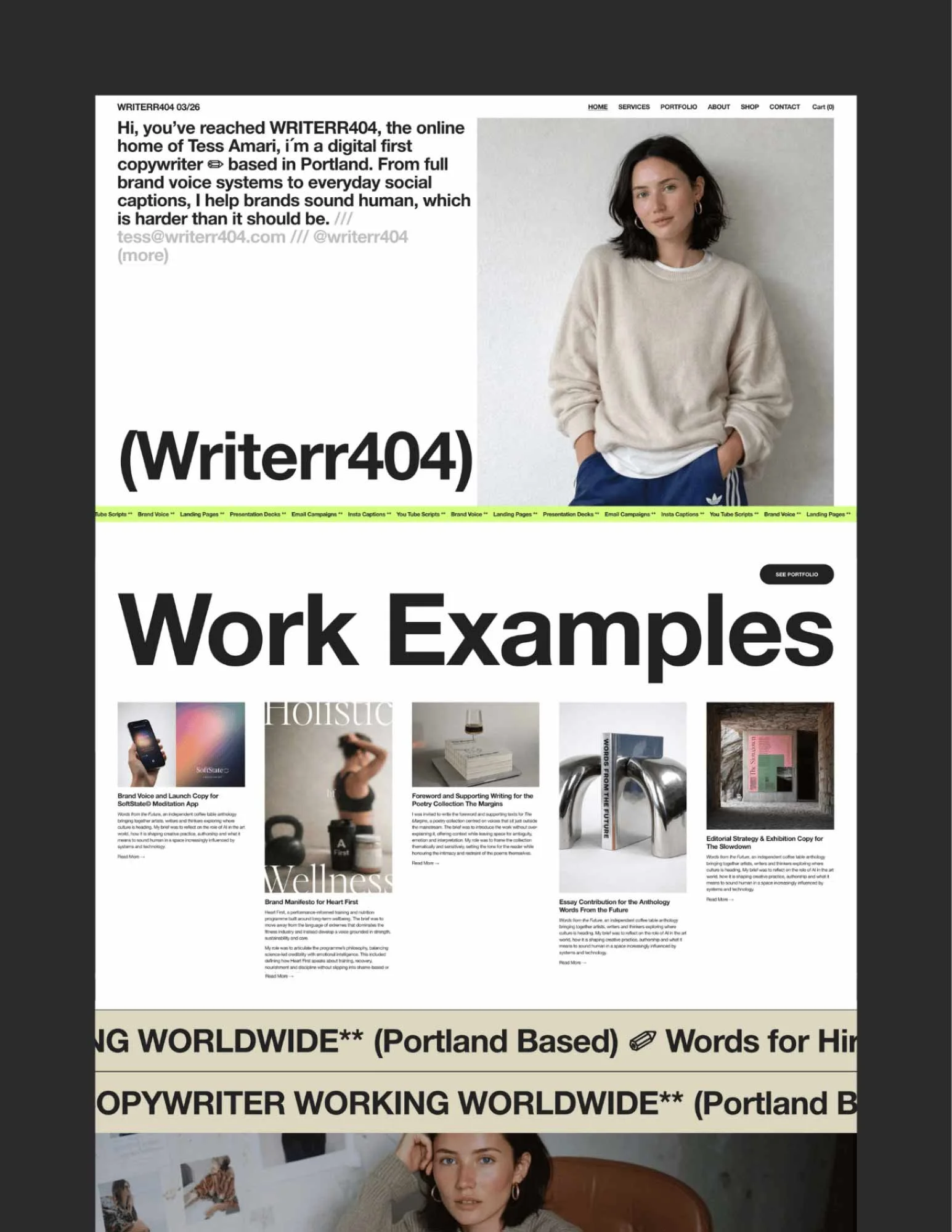
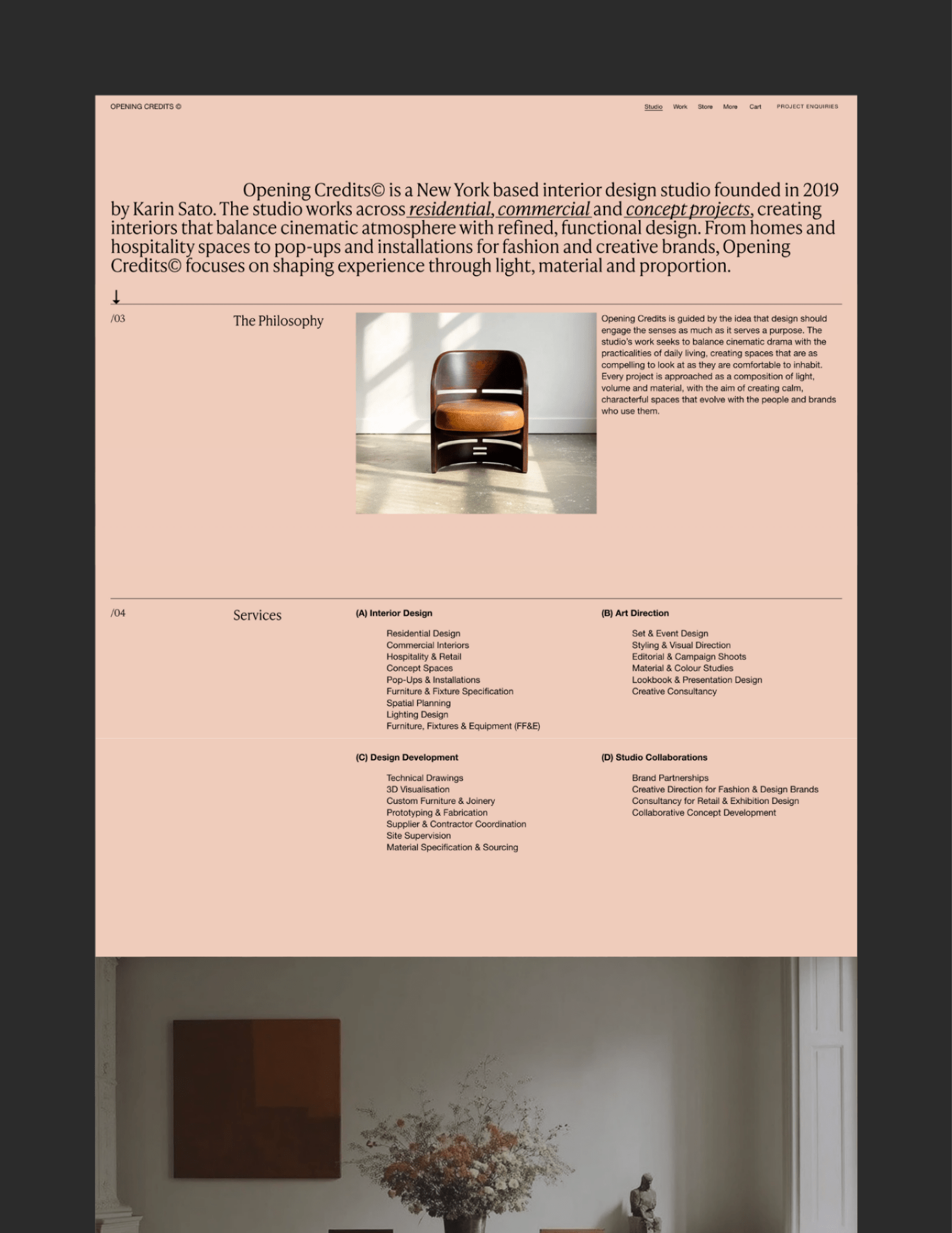
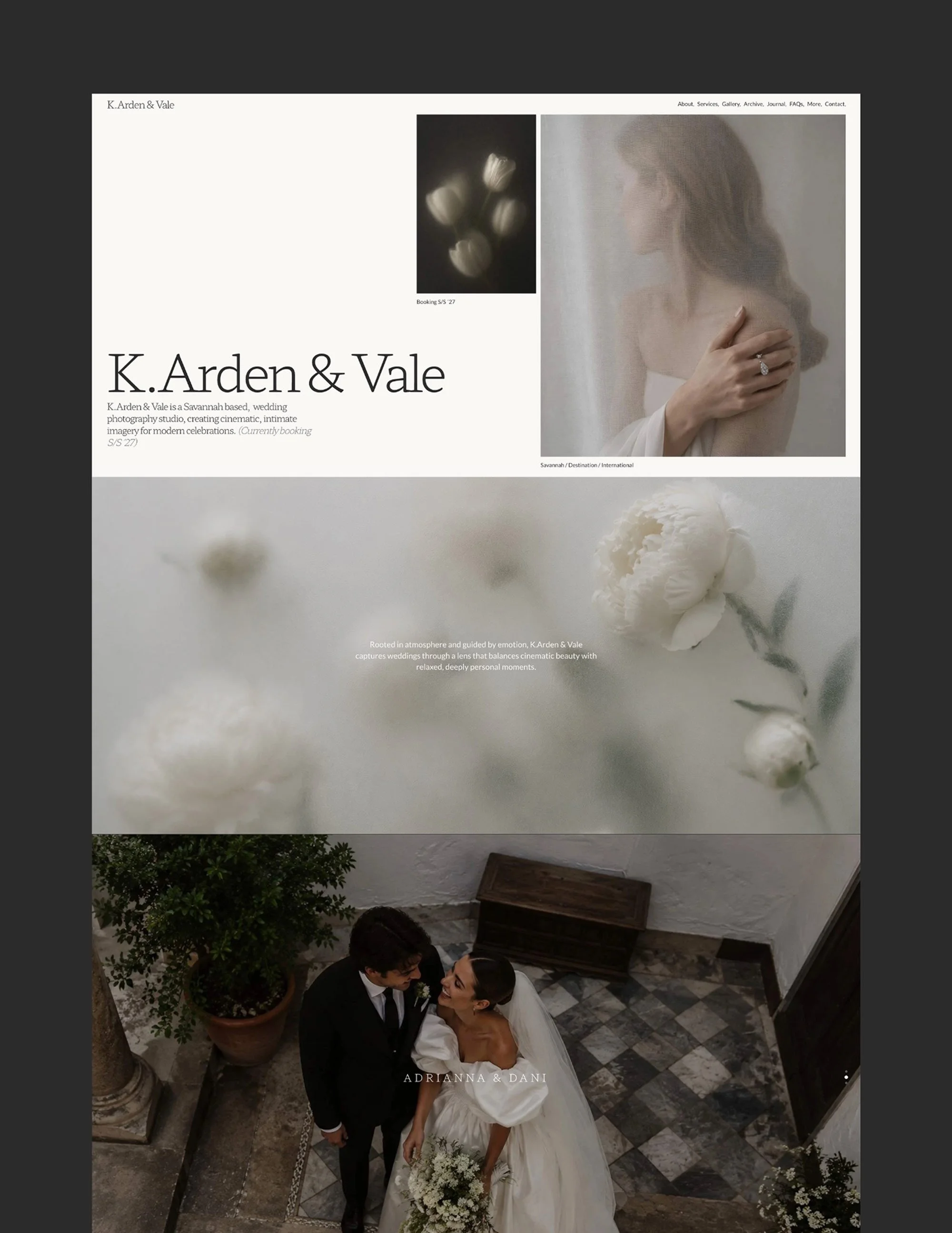
Designed to stand out visually and perform quietly in the background, each template balances strong structure with character-led design, giving you a site that feels intentional, current and easy to live with.
How it Works… ↓
Designed for conversion, not guesswork # Designed for conversion# | Each template is built with page flow, hierarchy and conversion in mind, so you don’t have to think about where things should go or how a visitor should move through your site. The structure is already doing that work for you, quietly and effectively.
A style that actually feels current # Style that feels current# | These templates are designed to feel fresh, considered and a little more forward than standard Squarespace options. No overused layouts, no generic styling. Just clean, character-led design that still leaves room for your brand to come through.
No coding knowledge required # No coding knowledge required# | You don’t need any coding knowledge to make these templates your own. Where code is included, you either don’t need to touch it at all or clear, step-by-step instructions are provided, so you can edit and update with confidence.
Built-in guidance at every step # Built-in guidance at every step# | There’s no lorem ipsum to decipher or blank pages to figure out. Instead, you’ll find clear prompts, real examples and practical guidance throughout, so you always know what belongs where and what to focus on next.
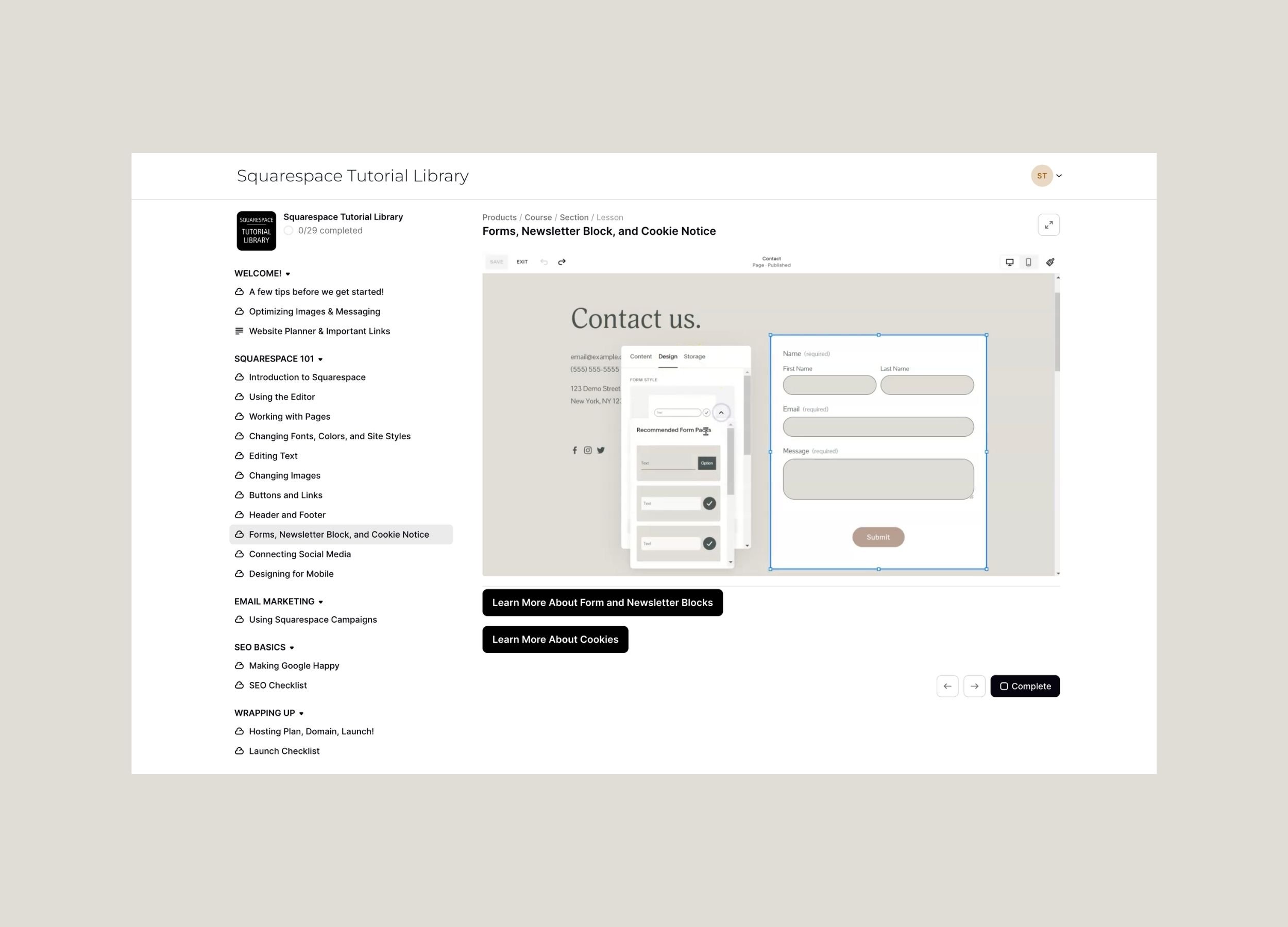
Lifetime Access to Full Squarespace 7.1 Course Included # Lifetime Access to Full Squarespace 7.1 Course Included# | Alongside the template, you’ll also receive access to a free, full Squarespace course. The course walks you through the entire process of editing your site, from replacing images and updating text to adjusting layouts, pages and settings. It also covers everything you need to know in the future if you decide to add features like a course or subscription.
SEO best practice, already considered # SEO best practice# | Each template is structured with SEO fundamentals in mind, from page hierarchy to headings and spacing. You’re starting from a solid foundation, without needing to understand the technical side of things.
☺ Getting your site live doesn’t need to be complicated. ➭ Every template is backed up with simple, intuitive support.
→ (01) Pick your Template
Explore the demo and see how it feels. If you have questions about the design, the features or whether the template suits your project, just send us a message. We´re here to help you choose the right fit. As soon as you purchase, you will receive simple instructions that guide you through the whole process.
→ (02) Getting Started
Your site transfer will be completed within 24 hours. In the meantime, you can get familiar with your template guide. It walks you through the first steps and any features that are unique to that design. It makes the setup easy, clear and stress-free.
→ (03) Guides & Tutorials
You also get access to a full Squarespace 7.1 tutorial library with 20-plus short, step-by-step videos covering pages, images, SEO basics, Acuity, blogging and ecommerce. Learn as you go, at your own pace.
→ (04) Launch your Site
Drag and drop your content into place, and reach out any time during your 30 days of support. When everything looks right, choose your domain and Squarespace plan and launch your site!

Frequently Asked Questions-
Item description
-
All templates are built for Squarespace 7.1. They will not work with Squarespace 7.0 or other website builder.
-
Yes. The templates are designed so you can easily replace the images, text and colours with your own content.
You will also receive a full Squarespace course that walks you through editing the site step by step.
-
No. Everything can be edited using Squarespace’s built-in visual editor, so you do not need to work with code. If you are happy with the design as it is, you can simply replace the images and text and the template will work exactly as intended.
For any optional customisations that do involve small snippets of code, clear and simple instructions are provided, so you can follow along step by step without needing any coding experience.
-
You’ll receive 30 days of pre-purchase email support, a Getting Started guide to help you set up the template, and access to a full Squarespace 7.1 course that walks you through editing and managing your website.
-
After purchase, your template will be transferred directly to your Squarespace account within 24 hours.
You will receive instructions on how to accept the transfer and access your new website.
-
After purchase, the template is added to your Squarespace account as a new website.
This means your current site will remain unchanged, and the template will appear as a second site in your Squarespace dashboard. You can then manually copy over any text, images or content you want to keep as you set up the new site.
When you're ready to go live, simply connect your domain to the new site and choose a Squarespace subscription. If you're switching from an existing site, Squarespace may offer a prorated credit for any remaining time on your previous plan.
-
Yes. To publish your website you will need a Squarespace subscription and a domain name.
The plan you choose depends on the features you need. For example, selling products requires at least the Business plan, while more advanced shops require a Commerce plan.
If you already own a domain, you can simply connect it to your site when you’re ready to launch.
-
Yes. All Studio TSM templates are designed to look great on phones and tablets as well as on desktop screens.
Squarespace 7.1 uses a separate mobile editing view, which means the mobile layout has already been carefully arranged and can also be adjusted independently if you want to refine how your site appears on smaller screens.
If you’d like to see how a template looks on mobile, simply open the demo site on your phone to preview the mobile version of the design.
-
Item description
-
Yes. Squarespace requires an active subscription to publish your website.
Some features such as selling products or memberships require the Business plan or higher.
-
Yes. You can change:
• images
• text
• colours
• fonts
• page layoutsThe template simply gives you a professionally designed starting point.
-
Absolutely. You can add as many pages as you like and expand the site over time.
-
Yes. Squarespace allows you to add features such as online stores, courses, subscriptions or bookings whenever you are ready.
The included course also explains how to add these features.
-
The templates come with placeholder images designed to show how the layout works. These are intended to be replaced with your own photos, but you are welcome to keep and use them if you wish.
-
Squarespace includes a range of free templates that anyone can use to start a website. They can work well if you only need a very simple site and are happy building much of the structure yourself.
Studio TSM templates are designed to give you a much more complete starting point. They include a wider range of thoughtfully designed pages and sections, so you are not left trying to design important parts of your website from scratch as your site grows.
The designs are also far less generic, with layouts and styling that you won’t find in the standard Squarespace templates.
Another big difference is the guidance. If you start with a free Squarespace template, you are largely left to figure things out on your own. With a Studio TSM template, you receive a getting started guide, a full Squarespace 7.1 course, and helpful resources that guide you through editing and launching your website step by step.
-
Because our templates are digital products, purchases cannot be refunded once they have been delivered. Please review the product description carefully before buying, and feel free to get in touch if you have any questions before making your purchase.
-
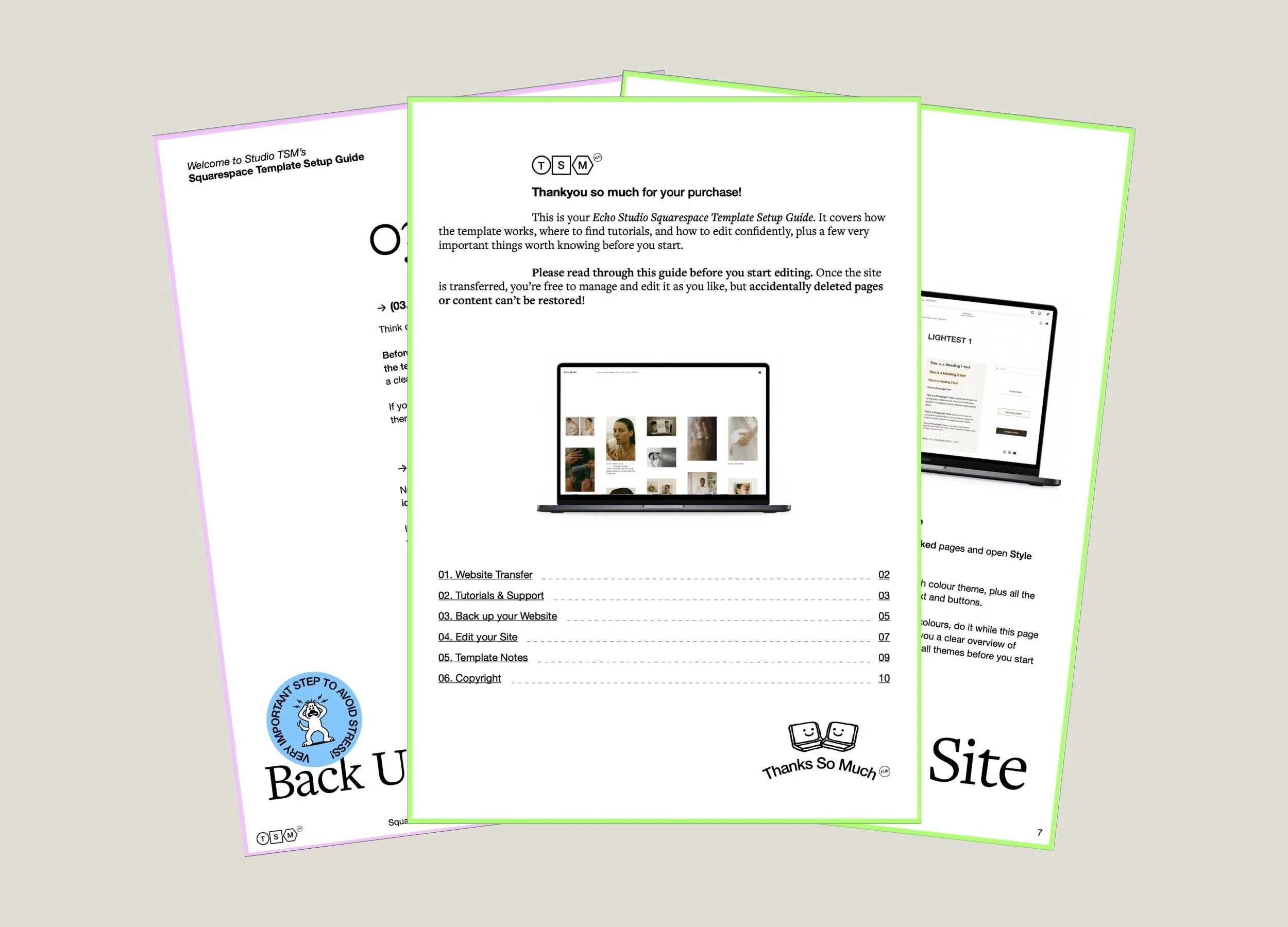
Before you begin editing, it’s important to read the Getting Started guide. It explains how to create a backup of your template, so you can easily return to the original version if something goes wrong while editing.
Please note that templates that have been altered or “messed up” cannot be duplicated or resent, so creating a backup before making changes is strongly recommended.